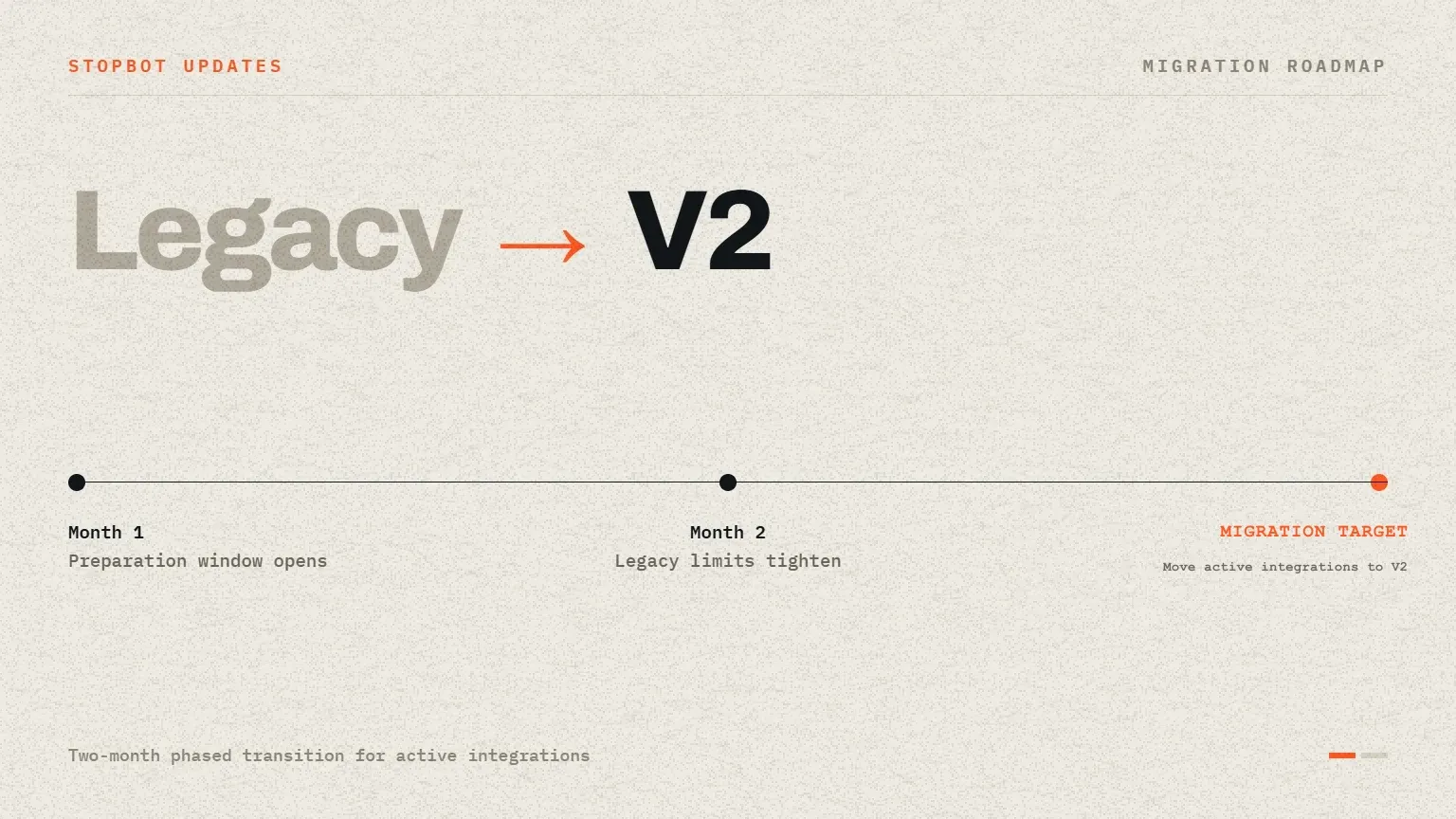
Stopbot is beginning a phased transition from the Legacy API to the current V2 platform. Over the next two months, customers should prepare active integrations for V2 while additional restrictions are introduced around legacy usage. The transition is intended to move production traffic onto the service contract that receives current development and documentation.
Legacy and V2 are separate contracts
Legacy requests use routes under /api/ on the main Stopbot domain. Current V2 requests use routes under /services/ on the dedicated API domain. The change is not only a hostname replacement: response shapes, error handling, field names, SmartURLs verification, and Blocker V2 behavior must be reviewed before traffic is switched.
- Do not point an unchanged Legacy parser at a V2 response.
- Use the current endpoint name documented for each service.
- Treat HTTP status codes and JSON error fields as part of the V2 contract.
- Recheck SmartURLs browser verification instead of reusing the Legacy tracking request.
- Use the flat Blocker V2 response fields currently documented by Stopbot.
Why the transition is phased
Production integrations often contain routing rules, response parsers, logging assumptions, and customer-facing fallback pages. A staged migration gives teams time to compare decisions in a controlled environment, update monitoring, and confirm that allow and block outcomes remain aligned with the configuration in the Stopbot panel.
Recommended migration sequence
- Inventory every Legacy API endpoint, credential location, parser, and fallback response in use.
- Map each call to its current V2 reference and record the response-field differences.
- Build a separate V2 integration path without removing the working Legacy path.
- Test valid, invalid, expired, quota, unavailable, allowed, and blocked responses.
- Move a controlled portion of traffic to V2 and compare operational logs.
- Complete the switch and remove obsolete Legacy parsing after verification.
Use current client packages where available
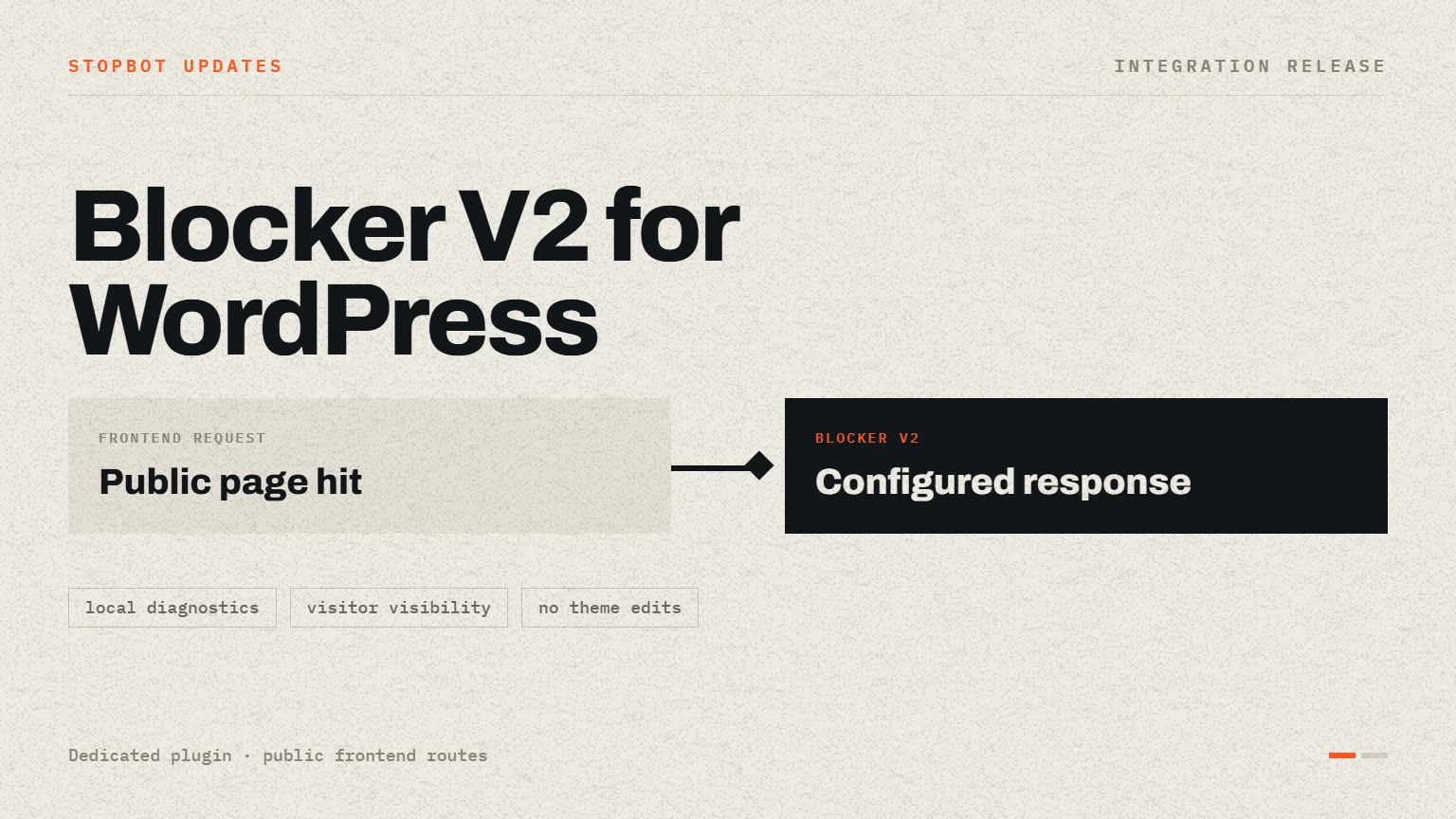
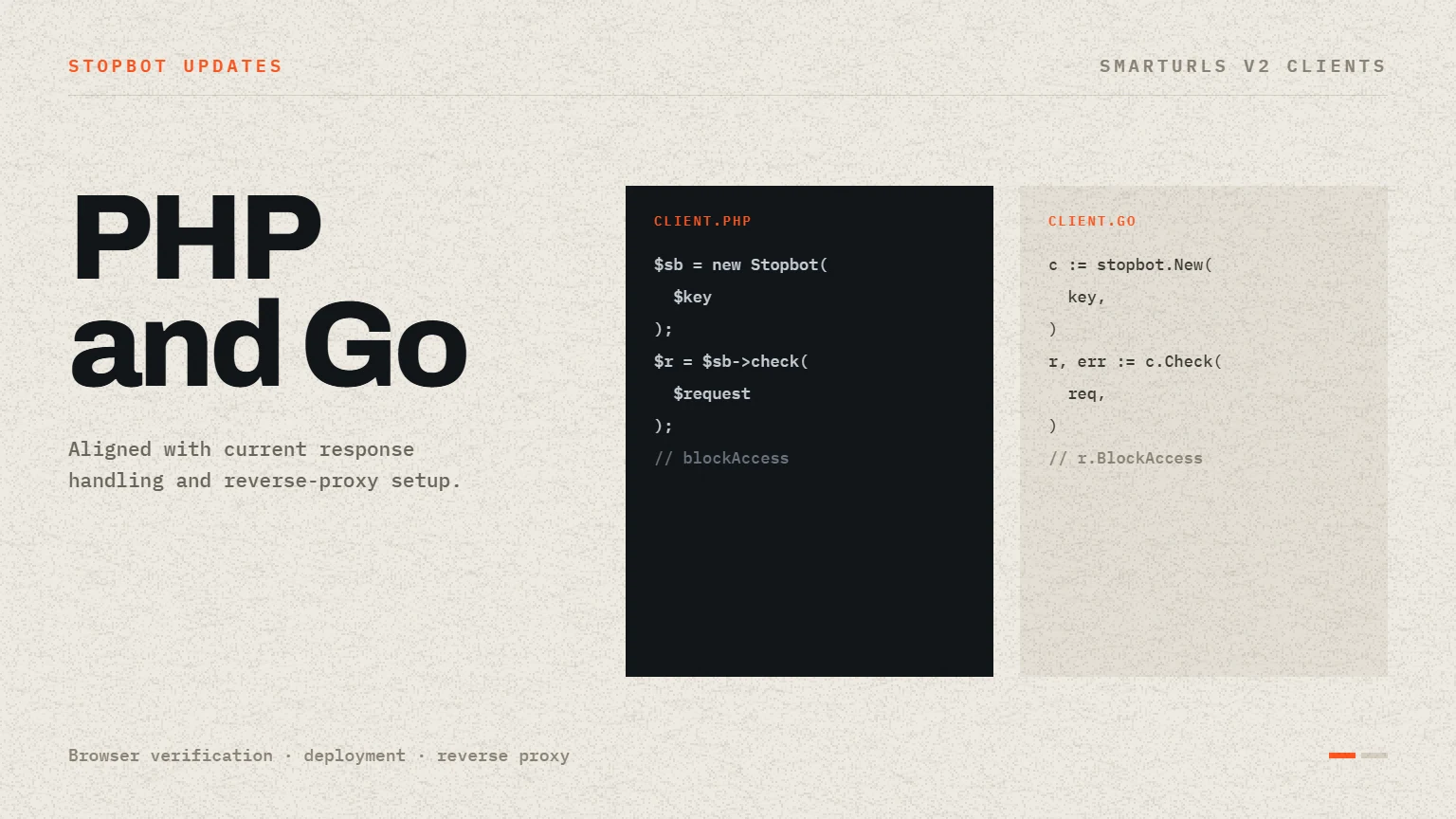
Stopbot now provides current integration material for services such as SmartURLs and Blocker V2 on WordPress. Using a V2-specific client avoids carrying assumptions from older nested responses into the current flat service contract. Custom integrations should follow the same principle and be tested against the current endpoint directly.
Keep the migration observable
During rollout, record sanitized HTTP status codes, response status, execution timing, and decision fields. Compare those records with the public service status page when failures occur. This makes it easier to distinguish application bugs, configuration differences, account restrictions, and service availability.
Create a service-by-service migration record
A migration is easier to review when each service has a short record of its old route, new route, parser changes, test evidence, rollout owner, and fallback plan. Do not mark a service complete merely because the V2 endpoint returns HTTP 200. Confirm that authentication errors, invalid input, account restrictions, allow decisions, block decisions, and configured page responses are all handled deliberately.
- Record the Legacy and V2 routes without storing the API key in the migration document.
- List every response field consumed by the application and its V2 replacement.
- Capture sanitized test results for success, validation failure, account failure, and service unavailability.
- Name the owner who can pause or roll back the production switch.
- Remove the Legacy parser only after logs confirm that the V2 path handles expected traffic.
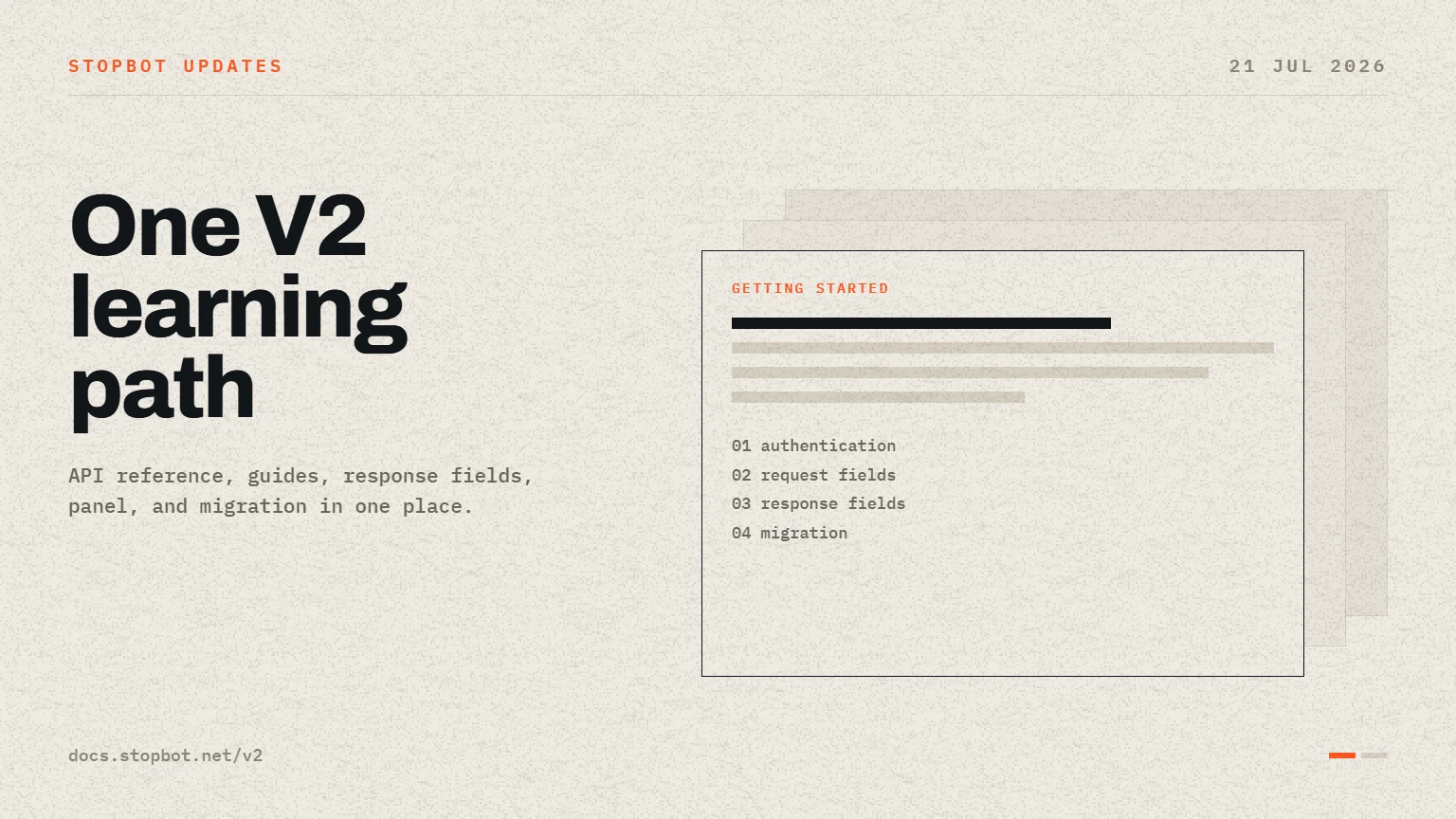
Customers should begin with the V2 migration guide and the reference for each service they use. Completing the work during the preparation period reduces the risk of an urgent change after stronger Legacy API restrictions are applied.
Stay informed
Follow the latest Stopbot updates.
Use the documentation for implementation details and the public status page for live service availability.