Stopbot has expanded its current documentation to make the path from first request to production integration easier to follow. The V2 area now brings together authentication, service behavior, response fields, implementation guidance, and panel operations without requiring readers to reconstruct the workflow from disconnected pages.
A clearer route from setup to production
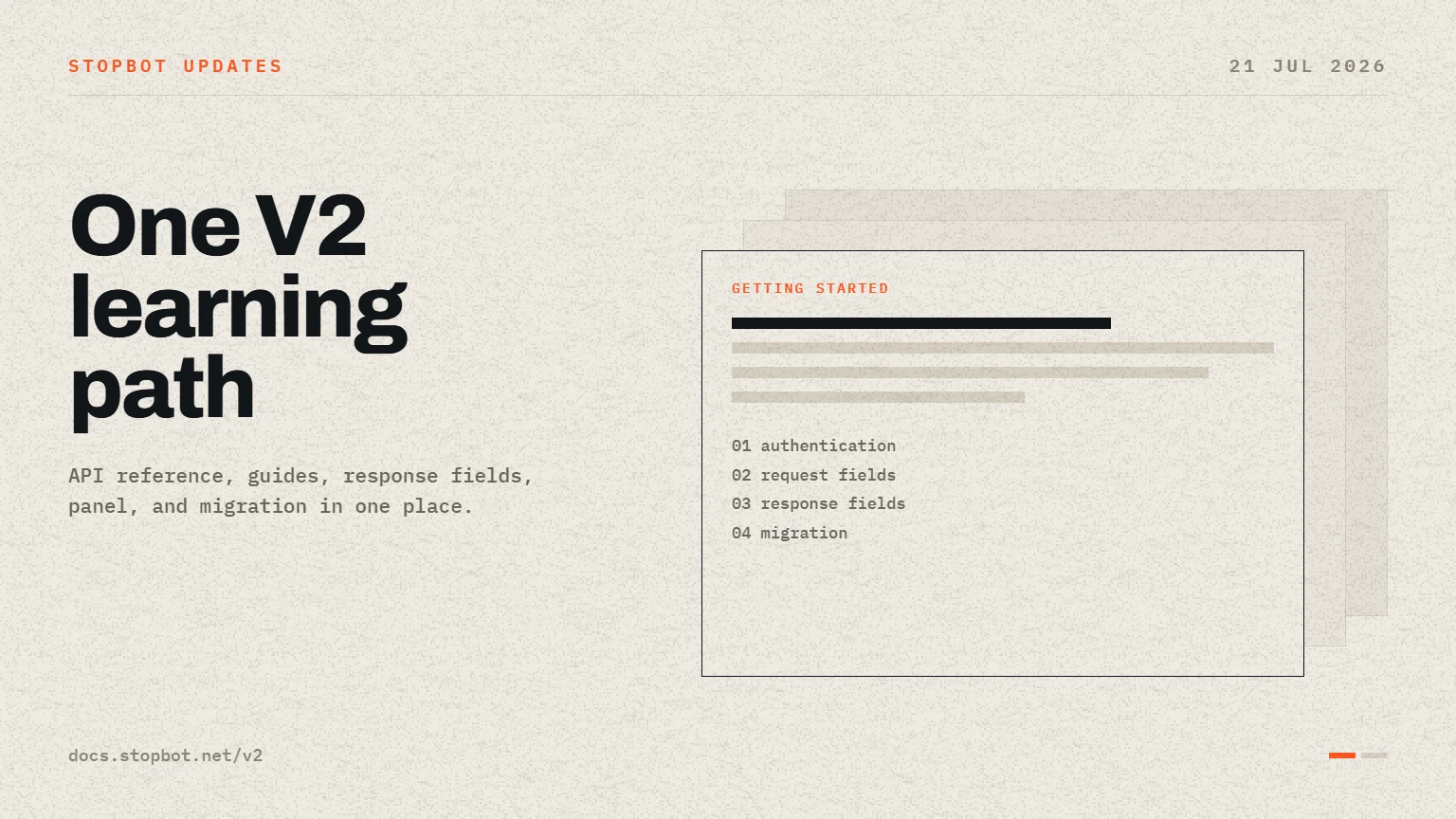
The revised information architecture begins with a concise getting-started path and then links readers to the detail they need. Authentication is documented as a shared requirement across protected endpoints, while each service page focuses on its own parameters, response fields, validation behavior, and integration decisions.
- Account and authentication references for checking access before integration.
- Blocker and Blocker V2 documentation with decision-field explanations and invalid-input examples.
- SmartURLs guidance covering redirect behavior and browser verification.
- IP Lookup, Email Validation, and Phone Number Identify response references.
- Error guidance and migration notes for teams moving from Legacy API behavior.
Response fields explained in context
The documentation now gives more attention to fields that influence client behavior. In Blocker services, for example, classification fields such as isBot are separated from the final access decision in blockAccess. Supporting values such as detectActivity, threatURL, device information, and network information are described as context rather than substitutes for the final policy result.
Service and panel guides now work together
Service guides explain how an application should send request context and apply the returned decision. Panel guides cover the configuration steps that produce those decisions, including settings, redirect behavior, allowlists, blocklists, and service-specific configuration. This separation keeps API contracts precise while still showing the complete operational workflow.
What integration teams should do next
- Start with the current getting-started page and confirm authentication succeeds.
- Read the reference page for the exact endpoint being integrated.
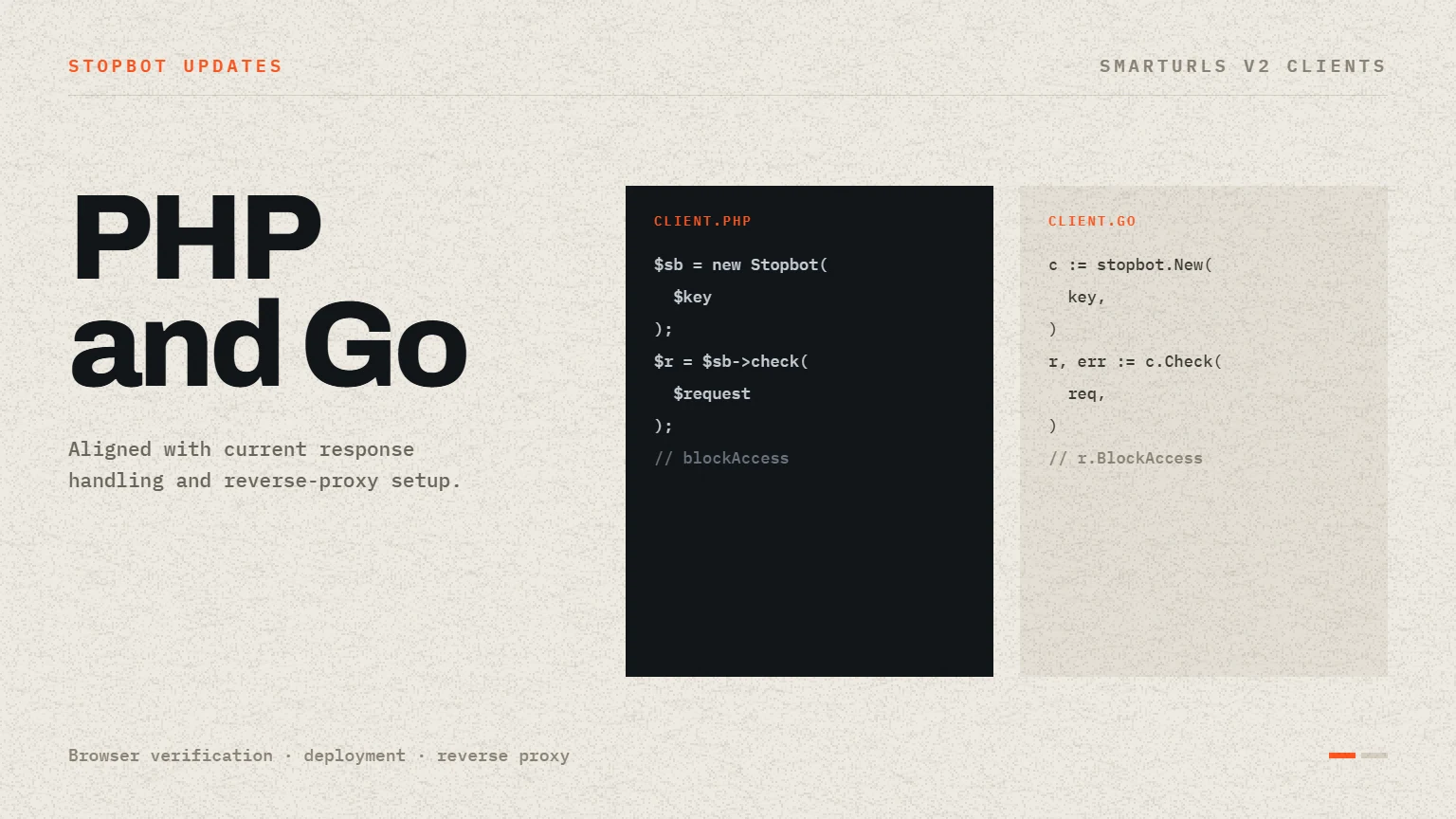
- Use the matching service guide for language-specific request and response handling.
- Test allowed, blocked, invalid-input, and upstream-error cases before production enforcement.
- Review migration guidance before replacing an existing Legacy API integration.
One workflow from configuration to enforcement
The current documentation treats panel configuration, API requests, response interpretation, and client enforcement as one workflow. A team can create or inspect a service configuration, confirm authentication, send a representative request, compare the returned fields with the API reference, and then follow the matching service guide. Error and migration pages remain part of the same route so failure behavior is reviewed before production traffic is changed.
- Use API reference pages to confirm exact parameter names, response fields, and HTTP behavior.
- Use service guides to translate the contract into application handling for the selected runtime.
- Use panel guides to understand the configuration that produces each decision.
- Use migration and error guidance before replacing an existing production path.
The documentation will continue to evolve alongside the current Stopbot platform. Keeping implementation details in the reference pages and practical workflows in the guides gives teams a stable place to verify behavior before changing live traffic handling.
Stay informed
Follow the latest Stopbot updates.
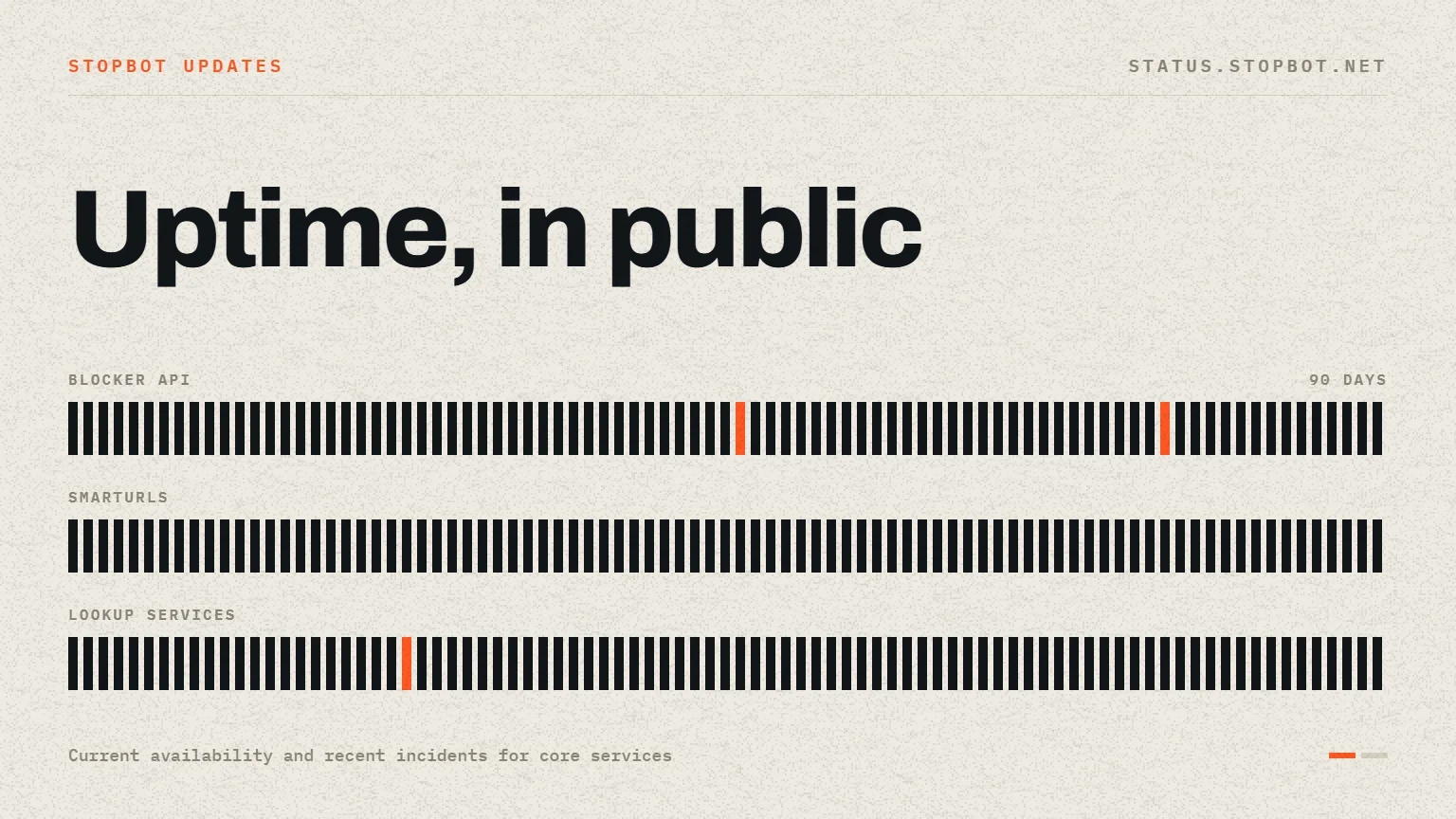
Use the documentation for implementation details and the public status page for live service availability.